

Questions & Answers
Access our site and podcasts without ads
Learn how to remove ads on our website and podcasts.
 Add ToI as a Preferred Source on Google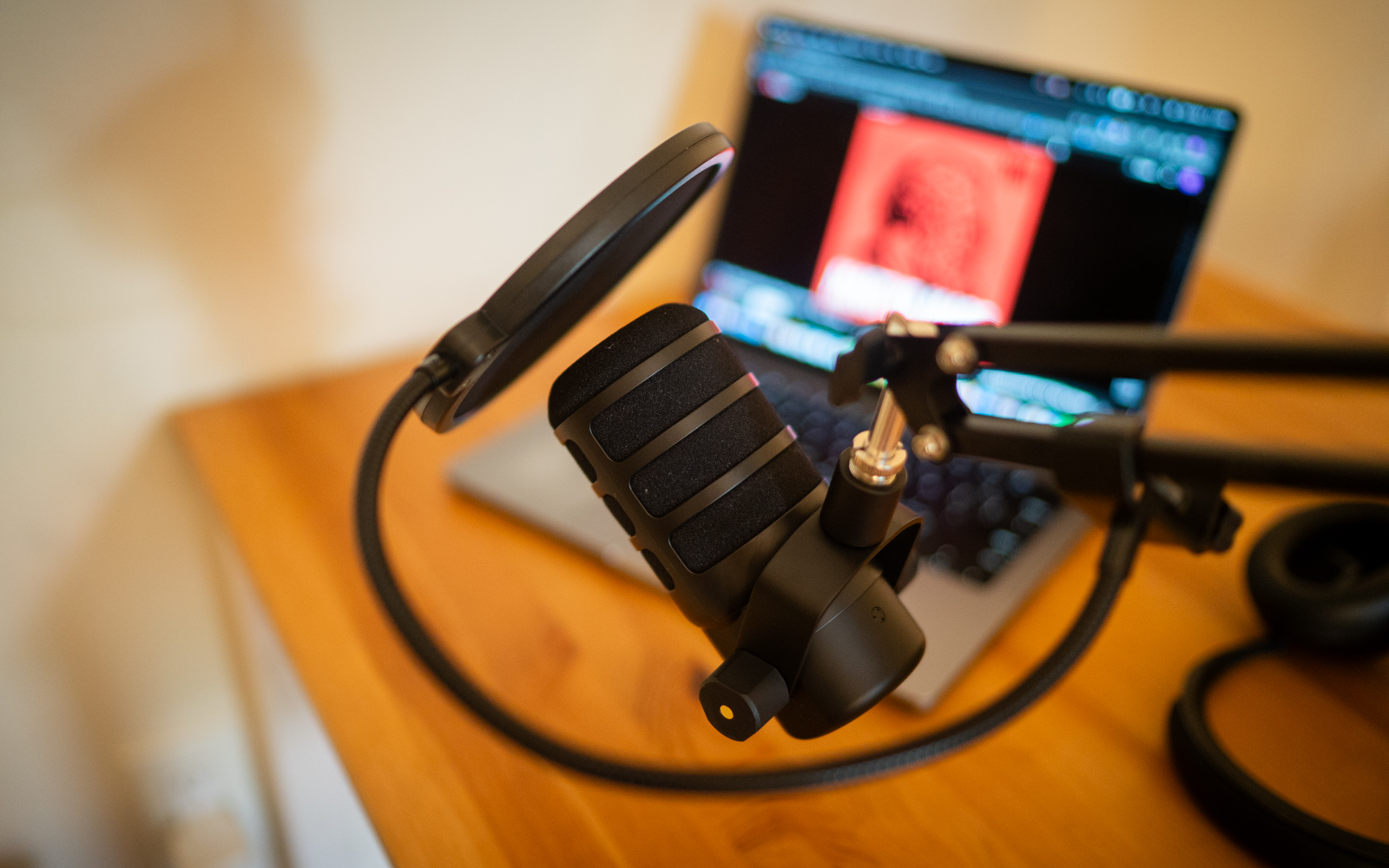
Illustrative image of podcast equipment. (ToI staff)
Website
In order to remove ads, you need to sign into the Times of Israel Community for each new device you are using:
- If you are on a laptop or desktop computer, the sign-in is in the top right corner of your screen – ‘SIGN IN’ on a green/yellow button with blue lettering. If you don’t remember your password, use the ‘Forgot your password?’ function.
- If you are on a phone app or mobile browser, the sign-in is in the upper right corner – click on the yellow person icon, and then ‘SIGN IN’. If you don’t remember your password, use the ‘Forgot your password?’ function.
Podcasts
To subscribe to the ad-free version in your podcast app, follow these instructions.
Please do not share these RSS feeds with anyone, as they are exclusively for active ToI Community members. The ad-free RSS feeds are:










If you’d like to comment, join
The Times of Israel Community.
The Times of Israel Community.
JOIN THE TOI COMMUNITY
Already a member? Log in here